Question: I want to determine which sectors a file occupies on an HDD. I want to know if a file is split into different non-sequential sectors.Is there any way to do this on Windows 10?
The ideal solution would be to have a map of all the sectors of a hard drive and then, after selecting a file, it will mark or color all the sectors this file occupies.
Answer: Tools can use the Defrag API, specifically FSCTL_GET_RETRIEVAL_POINTERS, to get a list of extents (sector ranges) for a given file. You can use it on the command line through fsutil which comes built into Windows:
fsutil file queryextents C:MyFile.ext
Various other third-party defragmentation apps also frequently have a function to analyze just a single file. For example, SysInternals Contig:
contig -a C:MyFile.ext
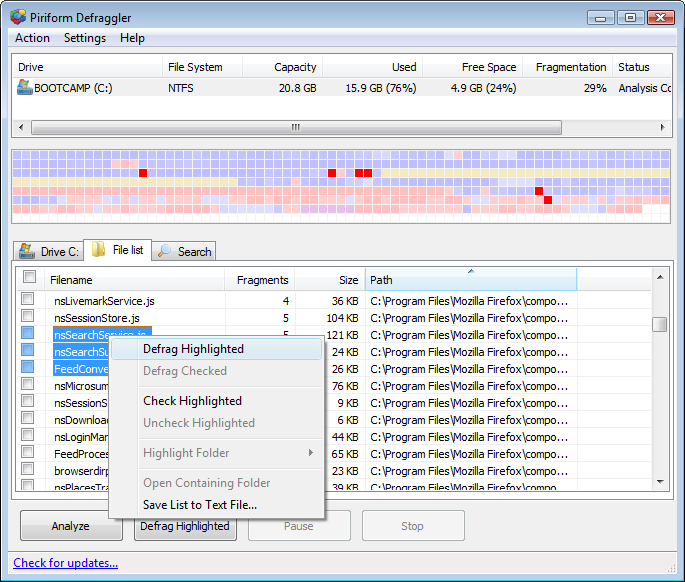
As another example, Piriform Defraggler automatically lists the most fragmented files; selecting one file will show its locations in a graphical view and vice versa.

The Linux equivalent is the FIEMAP ioctl which returns a list of file “extents” (and the older FIBMAP which returns a list of blocks). It can be used through tools such as filefrag or xfs_io.